
Vera2, AI and Technology, Investigations & Corruption
Gmail address changes: Google’s new policy and what it means for users
Dec
Gmail address changes: Google’s New Policy on Changing Gmail Addresses
Google is beginning a limited rollout that allows some people to change their @gmail.com address without creating a brand-new Google Account. For years, Gmail users have typically been stuck with the address they picked on day one, even if it later felt unprofessional, outdated, or tied to a life stage they’ve outgrown. This shift matters because a Gmail address is more than an inbox label: it is a sign-in identifier used across Google services and countless third-party logins.
Early reporting indicates that Gmail address changes are appearing for only some accounts so far, with the most explicit documentation initially spotted on Google’s Hindi-language help content—strongly suggesting a phased rollout by region and/or account eligibility. The Verge+29to5Google+2
Background on Gmail address changes
For most consumer Gmail accounts, changing the primary @gmail.com username has historically been “not really a thing.” Google’s long-standing public help guidance has generally said that if your Google Account ends in @gmail.com, you usually can’t change it, pushing users toward workarounds like creating a new account, forwarding mail, and slowly migrating logins. Google Help
That rigidity created predictable pain points. People who chose a goofy handle in school later had to decide between living with it, paying for a custom domain solution, or suffering through a full account migration. And a full migration is not trivial: email history, Drive files, Photos, purchases, subscriptions, app sign-ins, and “Sign in with Google” integrations can be tied to that identity.
This is why Gmail address changes have been a long-requested feature: users want a clean, more “adult” address while keeping the same account data and service connections.
What Google appears to be rolling out
Multiple outlets report that Google is now enabling Gmail address changes for some users, allowing a user to replace their current @gmail.com address with another @gmail.com address while keeping their underlying account and data intact. The Verge+29to5Google+2
The key idea, as described in early coverage, is continuity: your account’s data stays, and your old address does not necessarily “die.” Instead, the old address can continue to deliver mail into the same inbox as an alias, and sign-in may work with both the old and new addresses (depending on the exact implementation Google is using for your account). The Verge+2Business Insider+2
If that holds broadly, Gmail address changes are not the same as “starting over.” They’re closer to a controlled rename that preserves identity links.
Reported limits and constraints
Early reporting describes meaningful limits designed to prevent abuse and reduce security risk. Outlets covering the help-page details say users may be limited to a small number of changes, with a waiting period between changes. The Verge+2Business Insider+2
Some coverage also notes potential device/platform caveats—such as warnings to back up a device before making the change due to known issues in certain environments—another sign that Google is being cautious and rolling this out gradually. The Verge
Because Gmail address changes affect authentication flows, it’s rational for Google to gate availability, add cooling-off periods, and limit frequency.
How to check whether Gmail address changes are available for you
Right now, the most honest answer is: you may not have it yet. Reporting consistently indicates this is not universally available at once. The Verge+2Business Insider+2
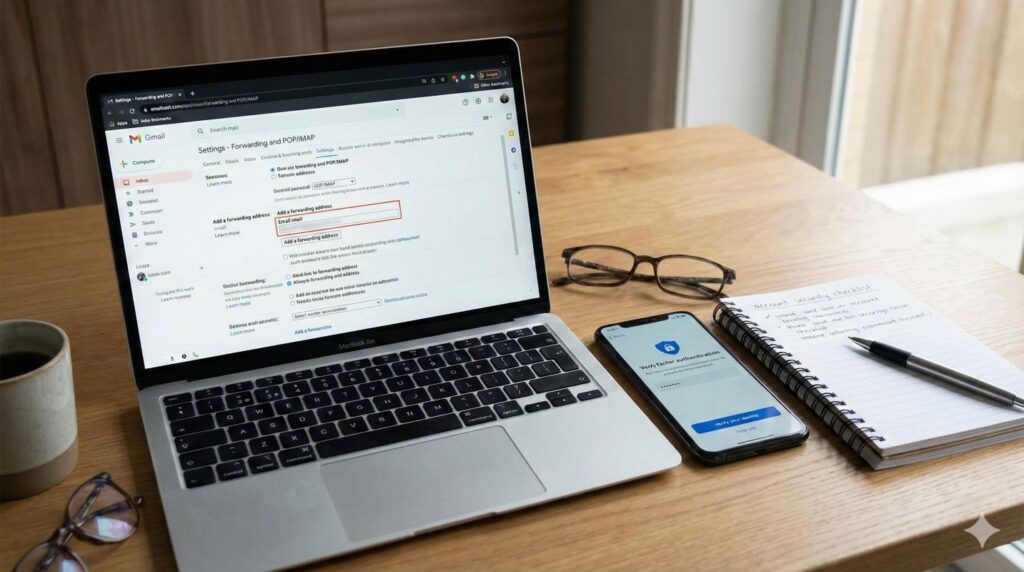
If you want to check, the commonly described path is through your Google Account settings under Personal info and Email, where an option related to your Google Account email may appear for eligible accounts. Some guides describe this as a visible UI option that simply isn’t present for users who are not yet included in the rollout. Fast Company+1
Separately, Google’s general Account Help documentation still reflects the traditional rule that @gmail.com addresses “usually can’t” be changed, which reinforces that Gmail address changes are still emerging and not yet the default experience for everyone. Google Help
What happens after Gmail address changes
The big practical question is what breaks. If your old address becomes an alias that still receives email into the same inbox, then day-to-day email continuity is easier than a full migration. The Verge+29to5Google+2
But identity is bigger than mail delivery. If you use “Sign in with Google” across many sites, you should assume you’ll still need to sanity-check logins, password managers, and account recovery settings after Gmail address changes. Google’s own help content also flags that changing your account email can have implications for certain sign-in methods or remote access tools, which is a reminder that authentication is the real risk area here, not your inbox folders. Google Help
Account recovery and security implications
From a security standpoint, Gmail address changes are a high-impact action. Expect Google to require strong verification. If you’re offered the feature, it’s smart to ensure your recovery phone number, recovery email, and 2-Step Verification are current before you proceed. That’s not paranoia; it’s basic risk control when you’re altering an account identifier that might be used in password reset flows across the internet.
Why users want this, and why Google is doing it now
Public reactions have been split between relief and suspicion. Relief because users can finally retire an address that harms professional credibility. Suspicion because users have been told for years it can’t be done, so they expect hidden catches.
Based on what’s been reported so far, Google’s move looks like an attempt to modernize identity management and reduce the “new account + painful migration” pattern. Gmail address changes also bring Gmail closer to what users already understand from other ecosystems: Microsoft’s Outlook.com supports aliases and identity flexibility, and many providers offer some form of address management. This doesn’t mean Gmail is copying a competitor feature one-for-one, but the competitive pressure is obvious.
Bottom line
Gmail address changes are real—but not universal yet. If you see the option in your Google Account settings, you may be able to switch to a new @gmail.com address while keeping the same underlying account, with your old address continuing as an alias in some form. The rollout appears limited and rule-bound, and users should expect guardrails such as limits on how often changes can be made. The Verge+2Business Insider+2
If you rely heavily on your Google identity for third-party sign-ins, treat Gmail address changes like a planned maintenance event: update recovery settings first, document critical logins, and verify key services afterward.
Further Reading
If you want to track the rollout details and compare how different outlets describe Gmail address changes, start with The Verge’s report, which summarizes the discovered help documentation and the early limits being described: https://www.theverge.com/news/850237/google-change-your-gmail-address.
For another overview written for a general audience, Business Insider walks through what the feature is and what it could mean for keeping data and services intact during Gmail address changes: https://www.businessinsider.com/google-how-to-change-your-gmail-address-without-losing-data-2025-12.
For the underlying Google Account guidance that historically explained why this was difficult (and still hints that availability is not universal), see Google’s “Change the email address for your account” help page: https://support.google.com/accounts/answer/19870?hl=en.
For additional reporting that focuses on rollout language and how the old address may continue as an alias after Gmail address changes, 9to5Google’s coverage is here: https://9to5google.com/2025/12/24/google-change-gmail-addresses/.
Engadget also provides a quick summary of the same discovery and what it means at a high level: https://www.engadget.com/computing/you-may-soon-be-able-to-change-your-gmail-address-165633905.html.
Connect with the Author
Curious about the inspiration behind The Unmaking of America or want to follow the latest news and insights from J.T. Mercer? Dive deeper and stay connected through the links below—then explore Vera2 for sharp, timely reporting.
About the Author
Discover more about J.T. Mercer’s background, writing journey, and the real-world events that inspired The Unmaking of America. Learn what drives the storytelling and how this trilogy came to life.
[Learn more about J.T. Mercer]
NRP Dispatch Blog
Stay informed with the NRP Dispatch blog, where you’ll find author updates, behind-the-scenes commentary, and thought-provoking articles on current events, democracy, and the writing process.
[Read the NRP Dispatch]
Vera2 — News & Analysis
Looking for the latest reporting, explainers, and investigative pieces? Visit Vera2, North River Publications’ news and analysis hub. Vera2 covers politics, civil society, global affairs, courts, technology, and more—curated with context and built for readers who want clarity over noise.
[Explore Vera2]
Whether you’re interested in the creative process, want to engage with fellow readers, or simply want the latest updates, these resources are the best way to stay in touch with the world of The Unmaking of America—and with the broader news ecosystem at Vera2.
Free Chapter
Begin reading The Unmaking of America today and experience a story that asks: What remains when the rules are gone, and who will stand up when it matters most? Join the Fall of America mailing list below to receive the first chapter of The Unmaking of America for free and stay connected for updates, bonus material, and author news.
